
eCut for CorelDRAW Functions: 40+ Nesting & Cutting Tools
Detailed explanations with visual examples of every eCut function. See exactly how each tool works with step-by-step images, animations, and path optimization guidelines.
Overview: eCut for CorelDRAW contains over 40 individual automation scripts that perform true-shape nesting, DXF curve export with ARCS, G-code path generation, LED placement, and weeding lines directly inside CorelDRAW (versions X3–2026).
Nesting & Optimization
Advanced nesting algorithms for maximum material utilization
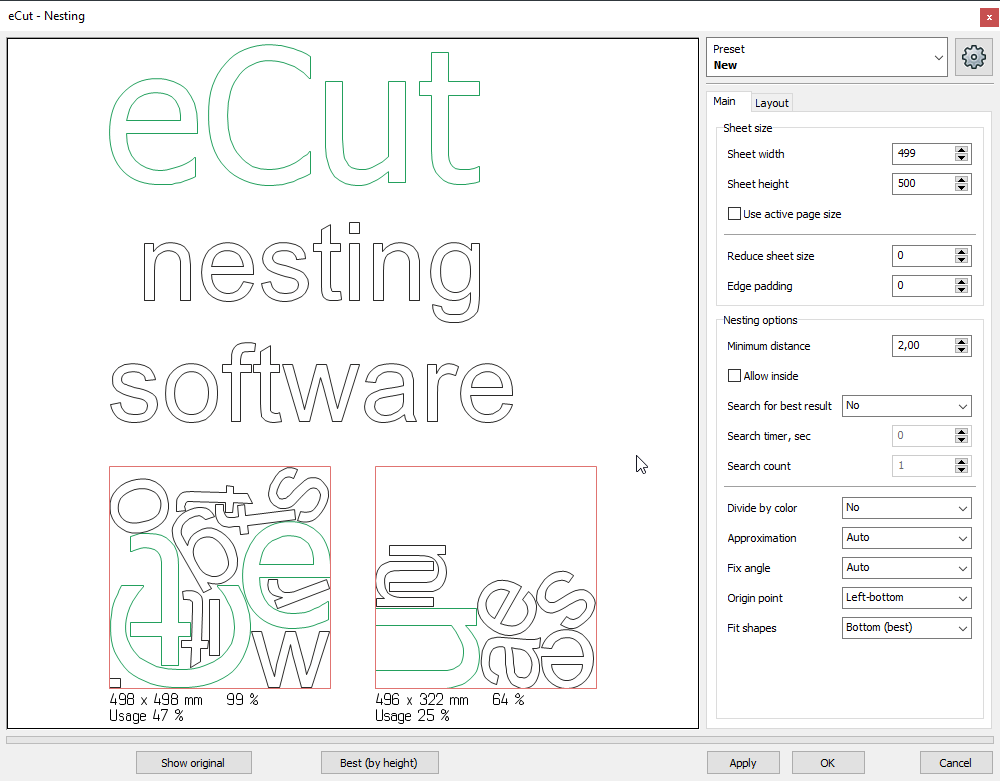
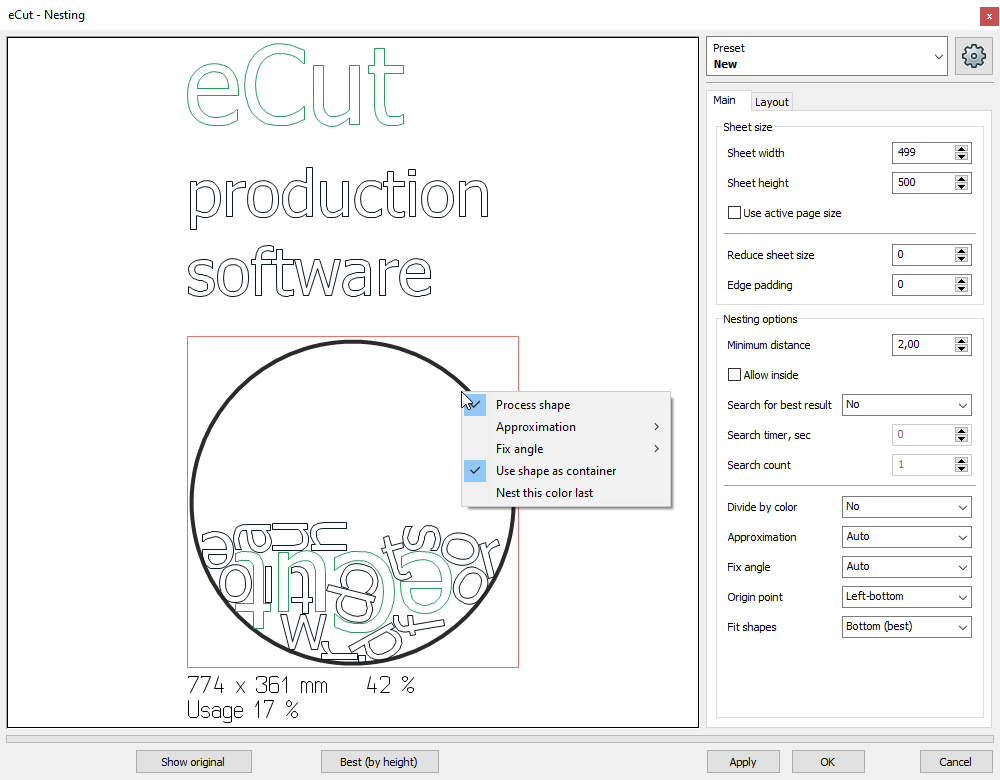
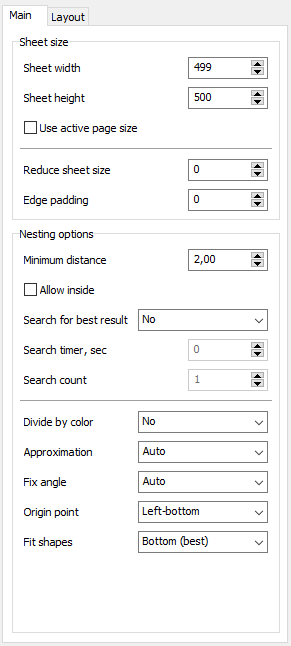
True-Shape Nesting
Function ID: 00
Complex shapes nesting with advanced algorithms for maximum material savings
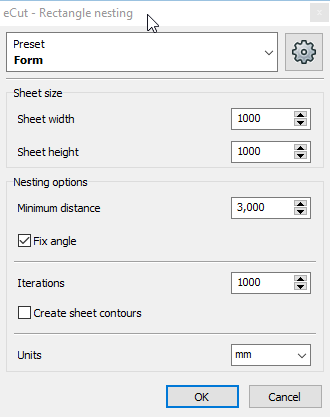
Rectangle Nesting
Function ID: 10
Simple geometric forms nesting for rectangular shapes
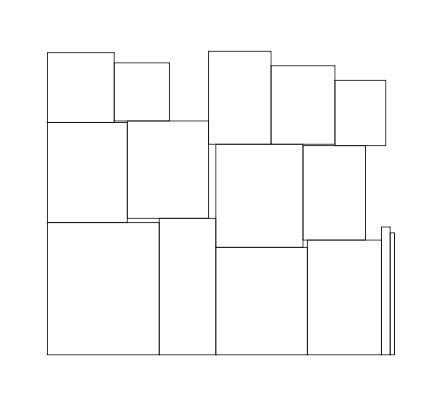
Multiply Function
Function ID: 07
Batch processing for multiplying objects efficiently
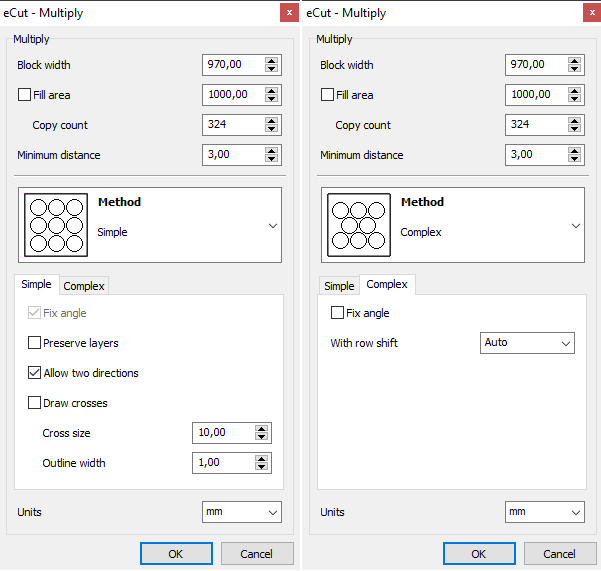
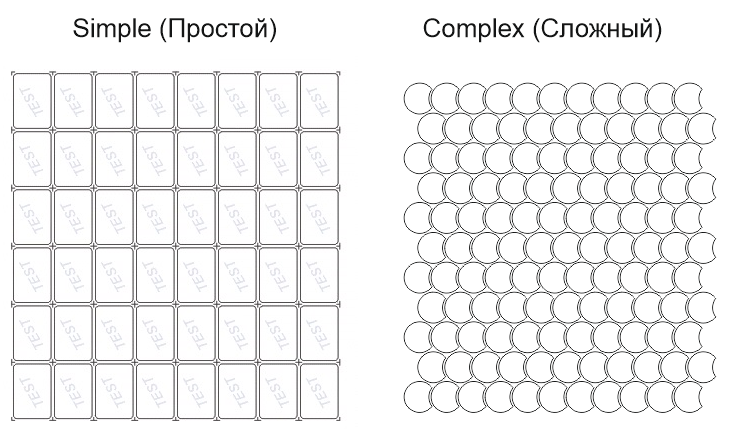
Plotter & Cutting Functions
Professional tools for vinyl plotters and cutting machines
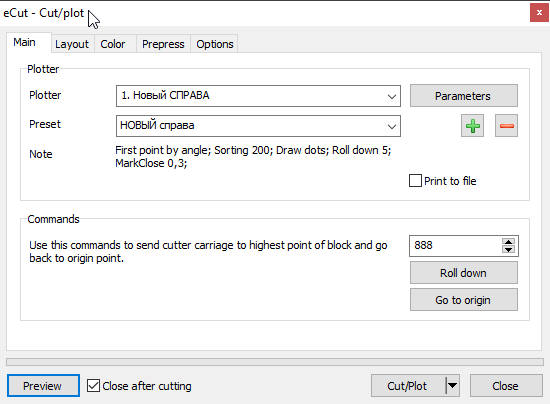
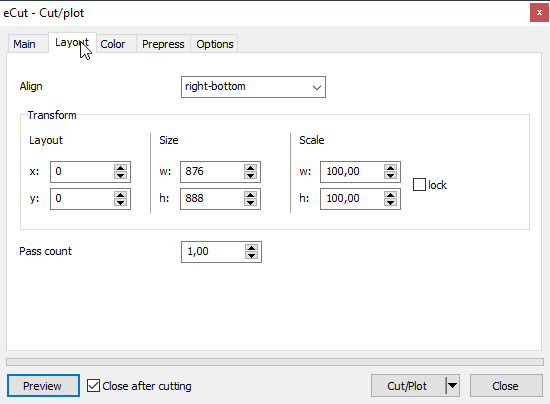
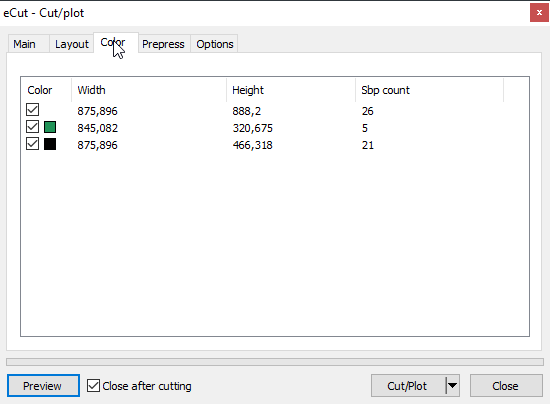
Cut/Plot Function
Function ID: 01
Perfect registration for print and cut jobs with precise alignment
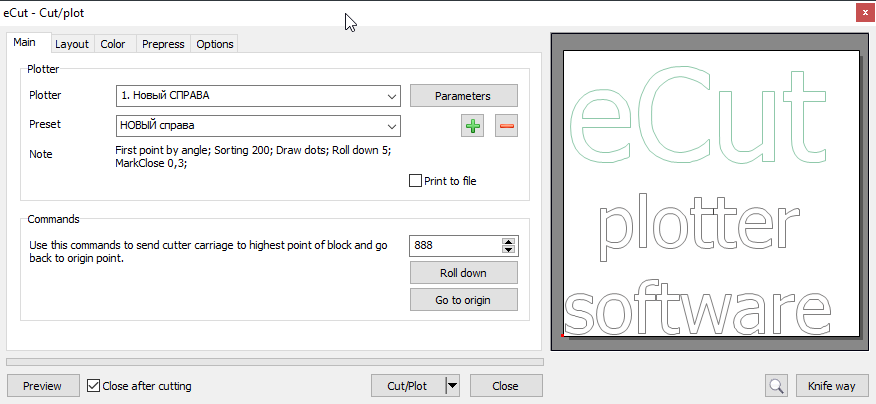
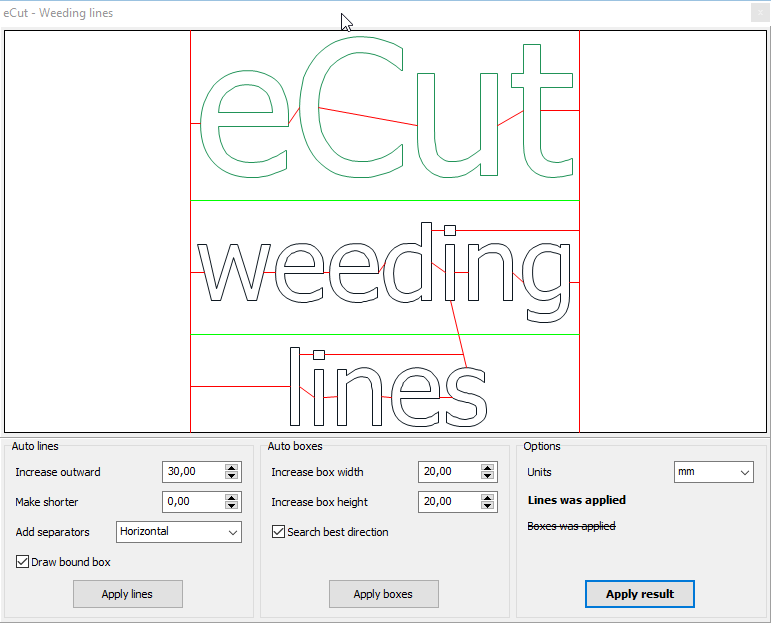
Weeding Lines
Function ID: 06
Create weeding lines for vinyl applications to make removal easier
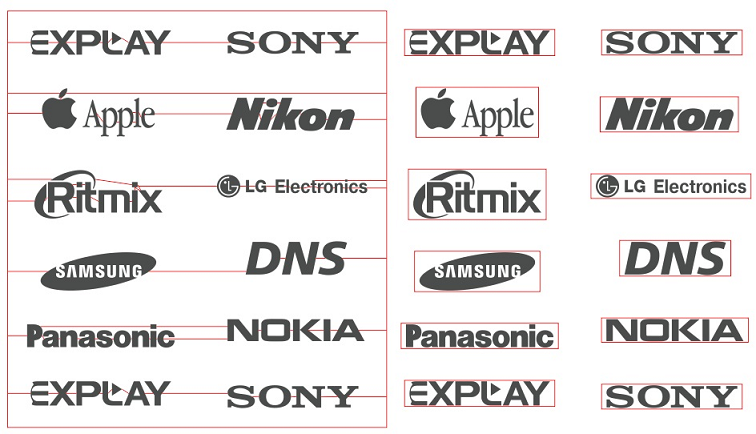
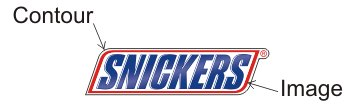
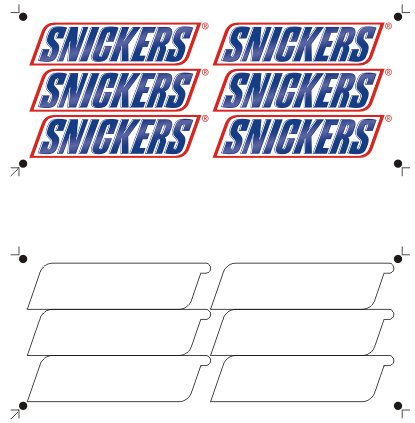
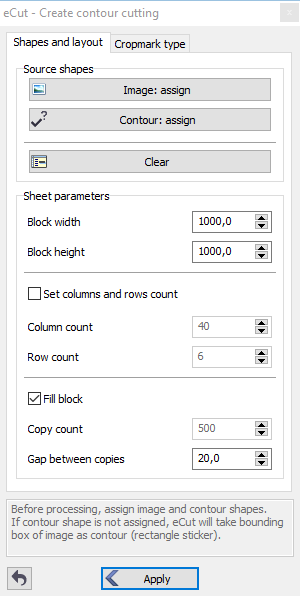
Contour Cutting File
Function ID: 33
Generate contour cutting files for print and cut workflows
Measurement & Calculation
Precise measurement and cost calculation tools
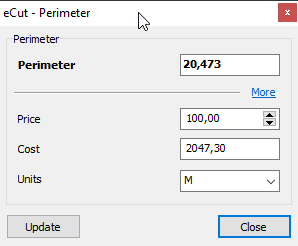
Perimeter Calculation
Function ID: 02
High precision perimeter calculation for material estimation
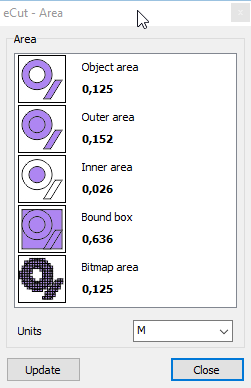
Area Measurement
Function ID: 03
Accurate area measurement for material cost calculations
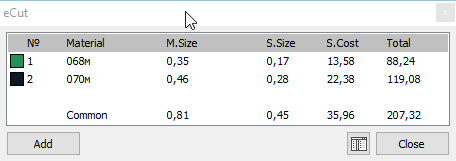
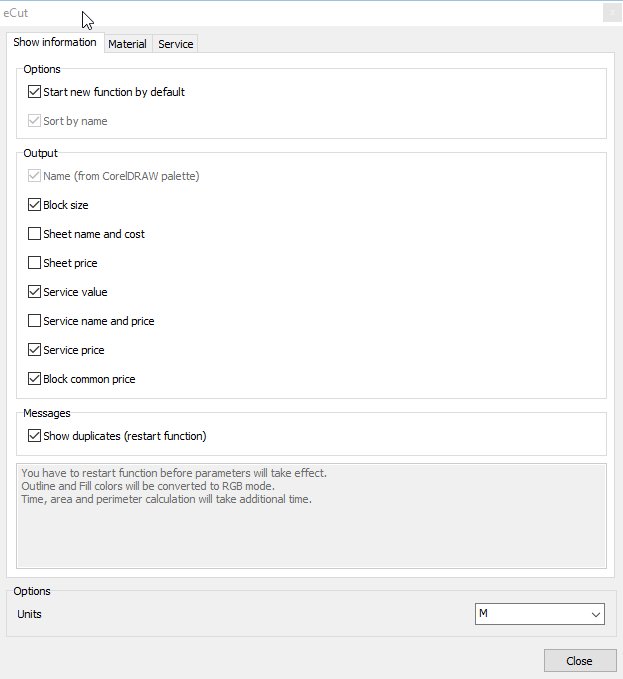
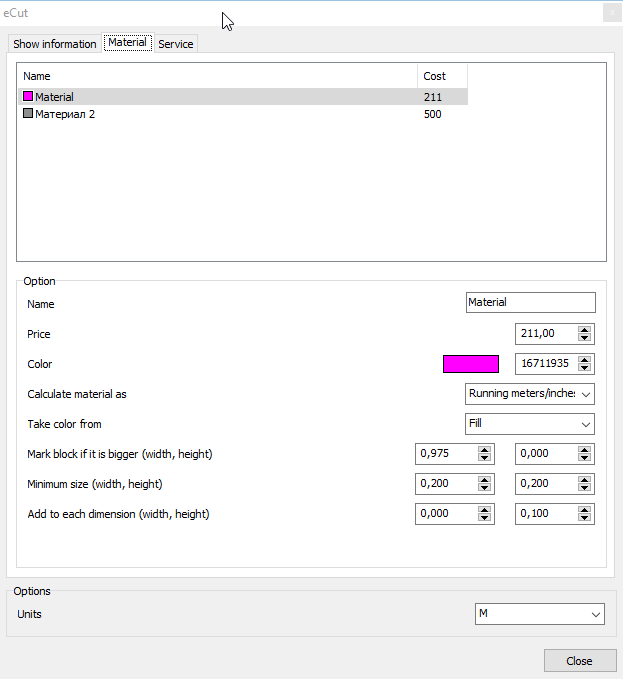
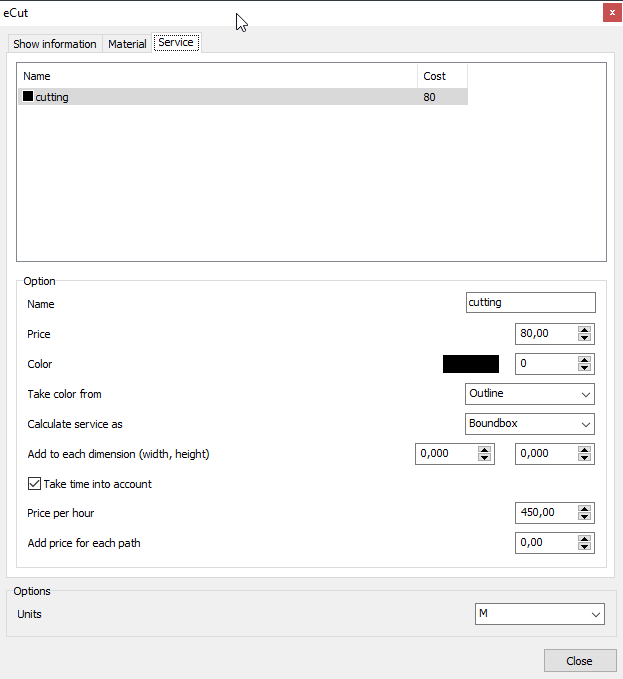
Cost Calculator
Function ID: 04
Calculate material costs based on area and material prices
CNC & Laser Cutting
Specialized tools for CNC machines and laser cutters
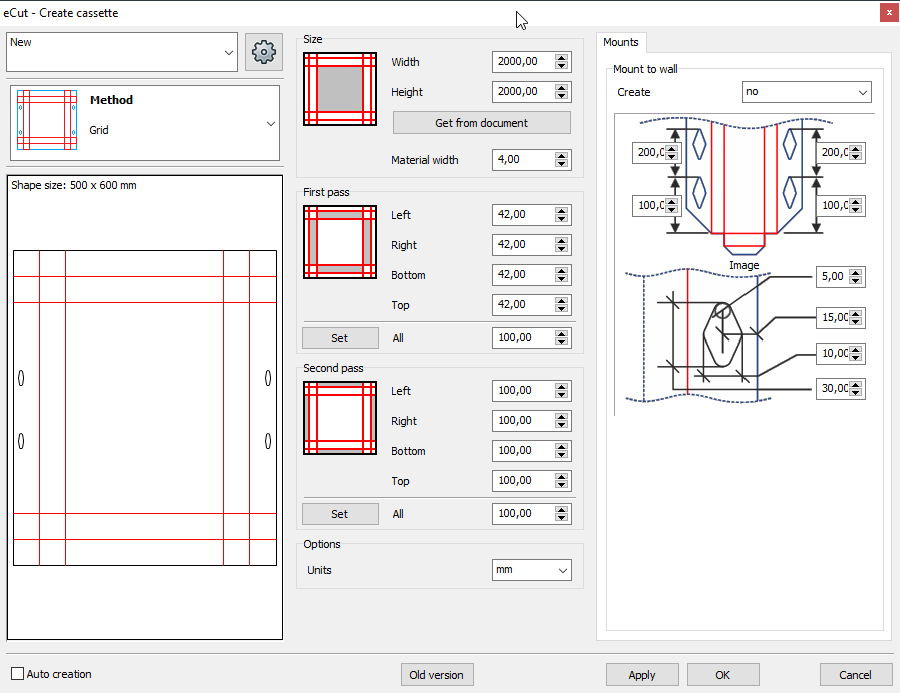
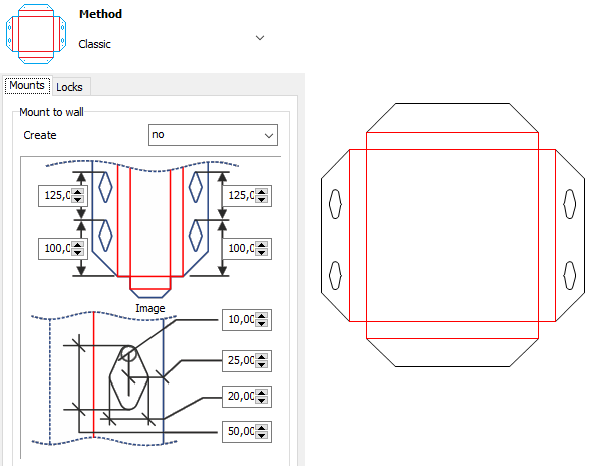
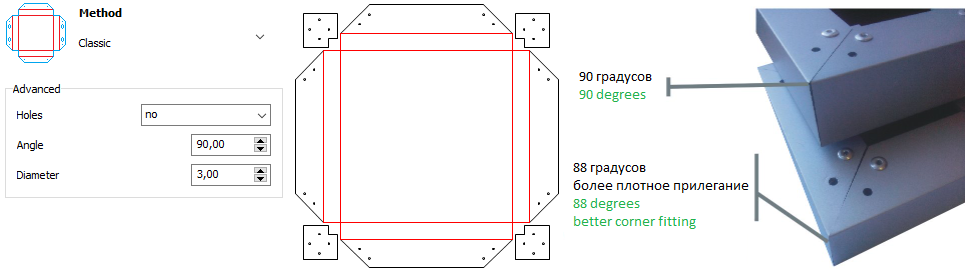
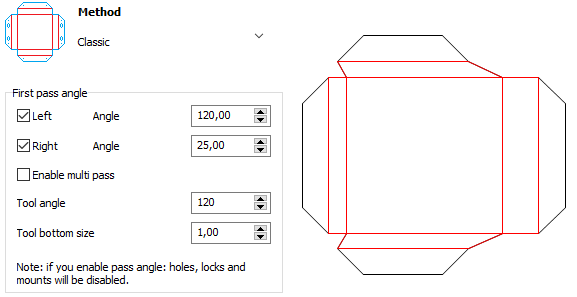
Create SignBox
Function ID: 24
Create composite boxes for light boxes and facade applications
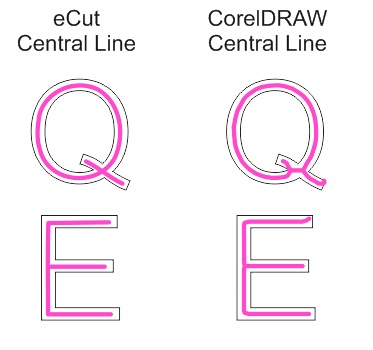
Center Line Creation
Function ID: 14
Create center lines using CorelDRAW or eCut's advanced algorithms
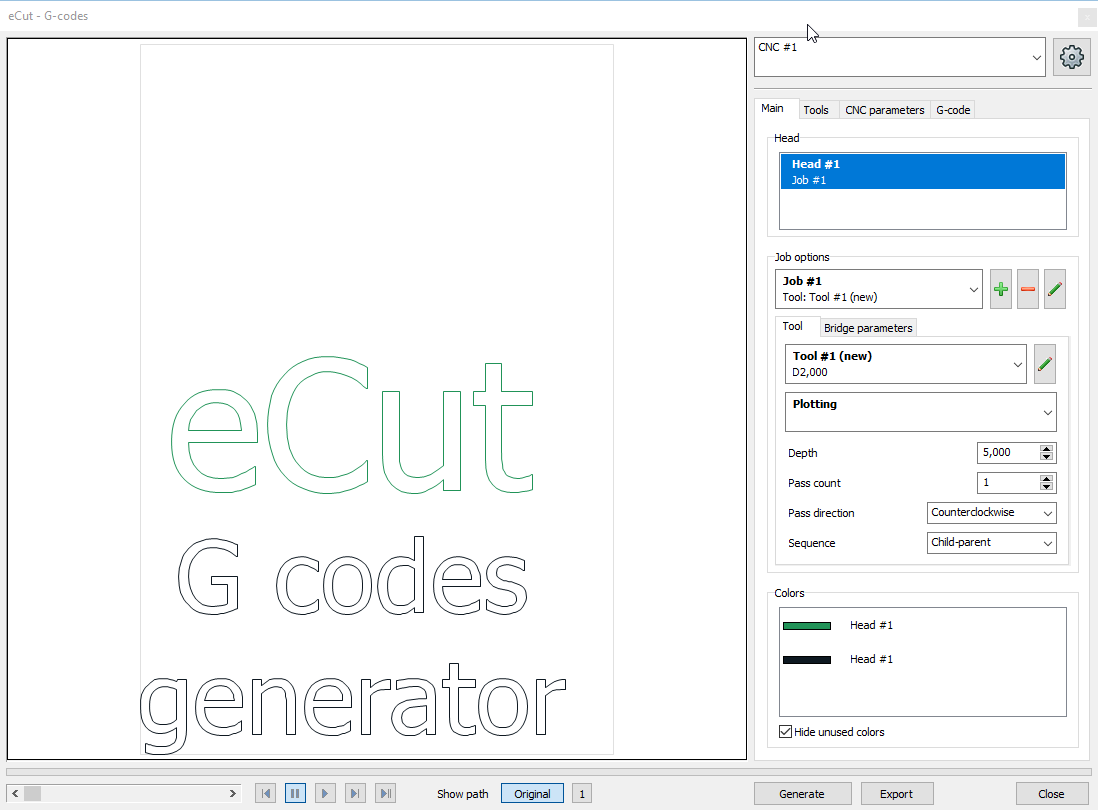
G-Code Generator
Function ID: 57
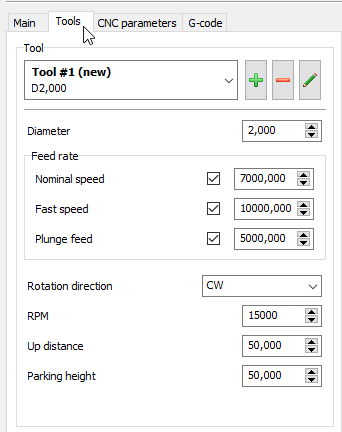
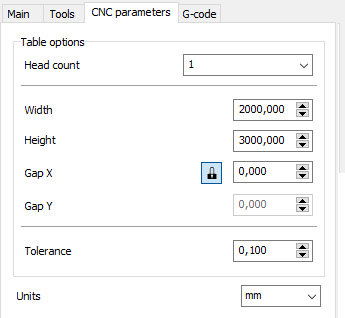
Generate G-codes for 2D cutting operations on CNC machines

Vector Effects & Design Tools
Professional design utilities and effects ready for cutting
Vector Effects
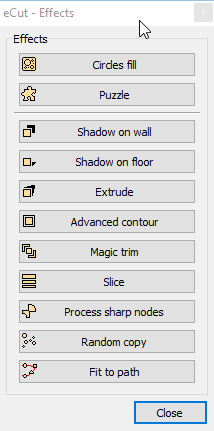
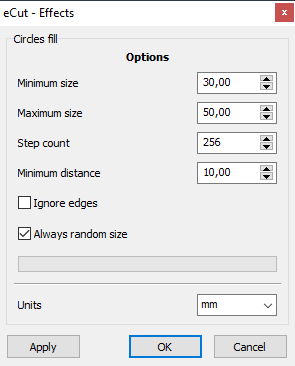
Function ID: 31
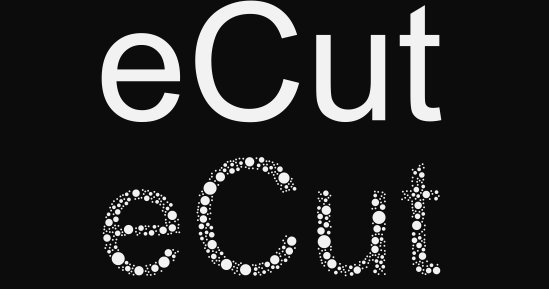
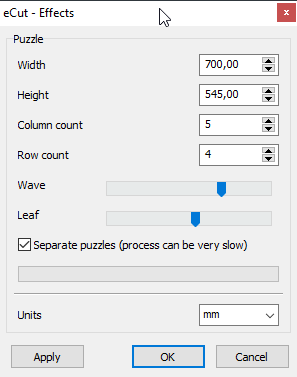
8 great vector effects ready for cutting on plotters or CNC machines
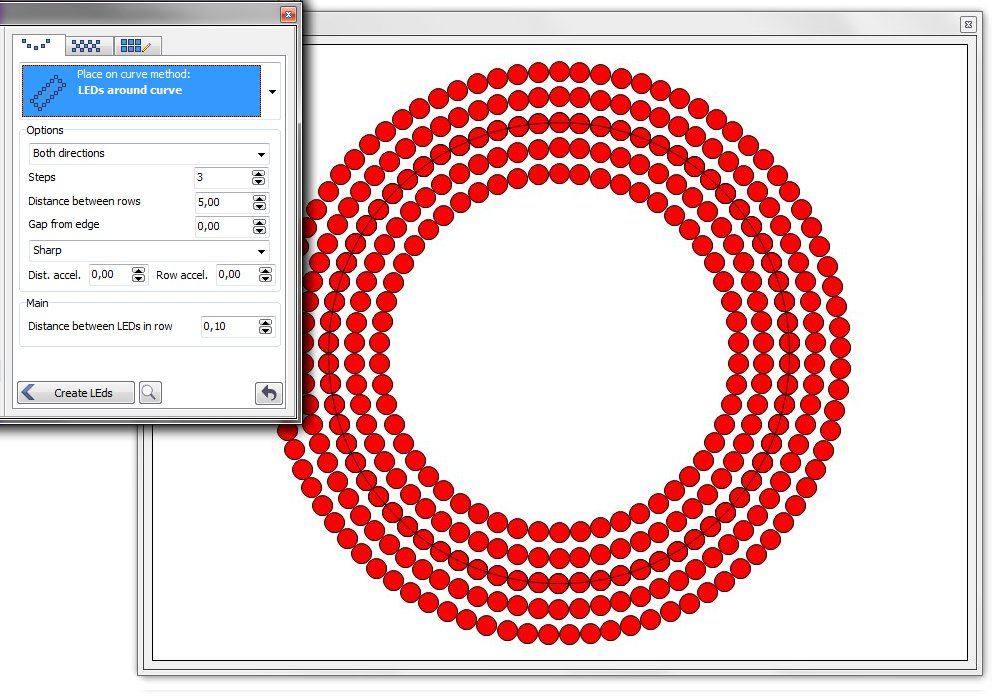
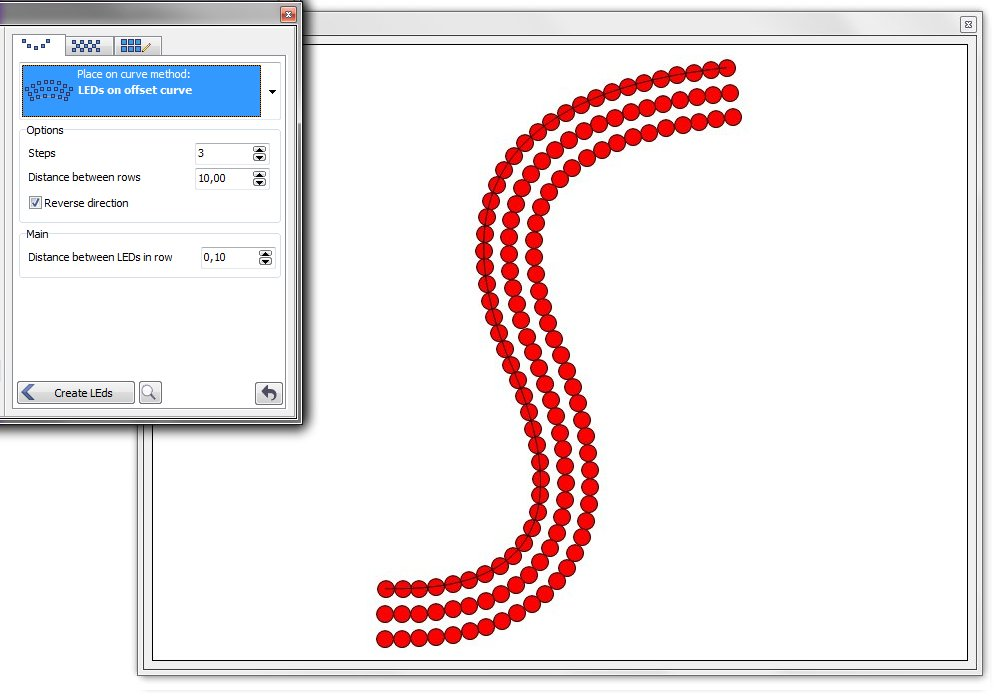
LEDs Design Tools
Function ID: 11
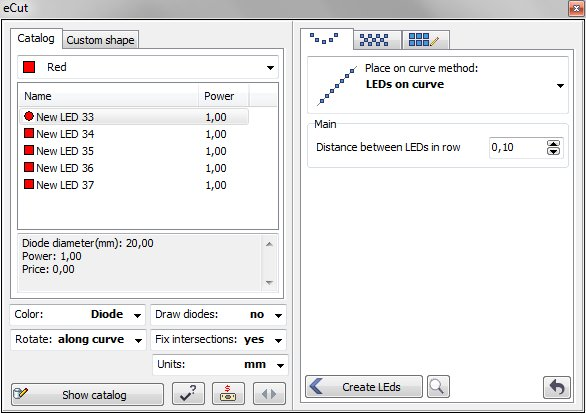
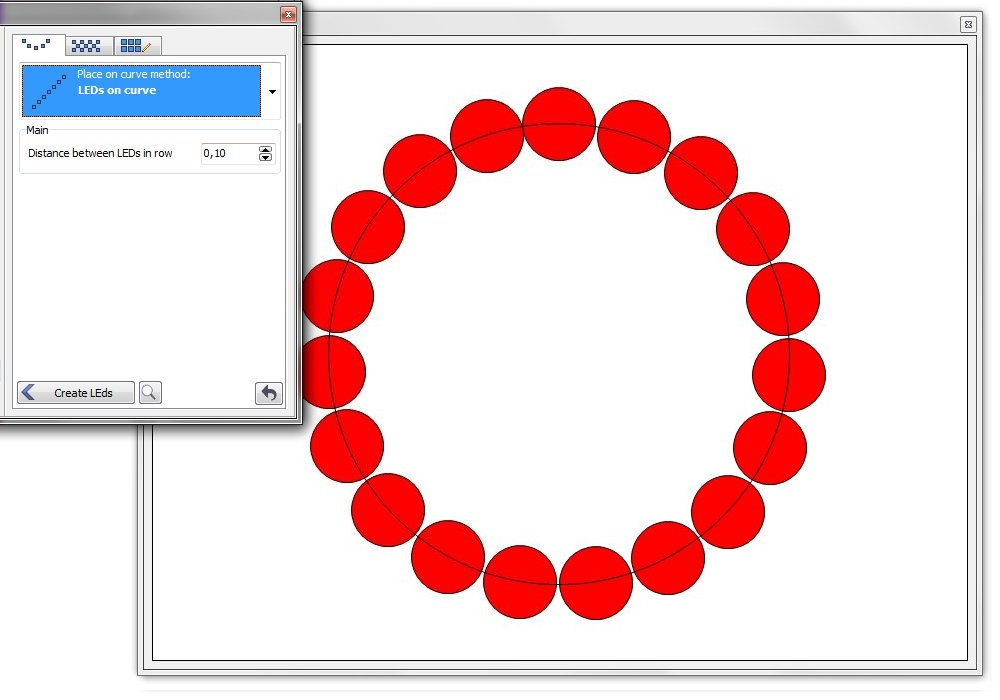
Specialized tools for LED sign design and layout
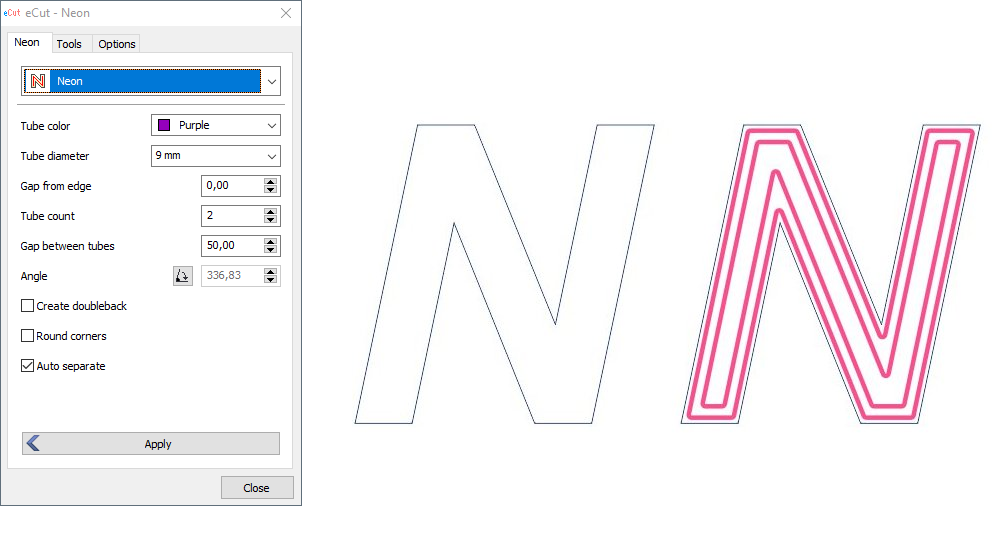
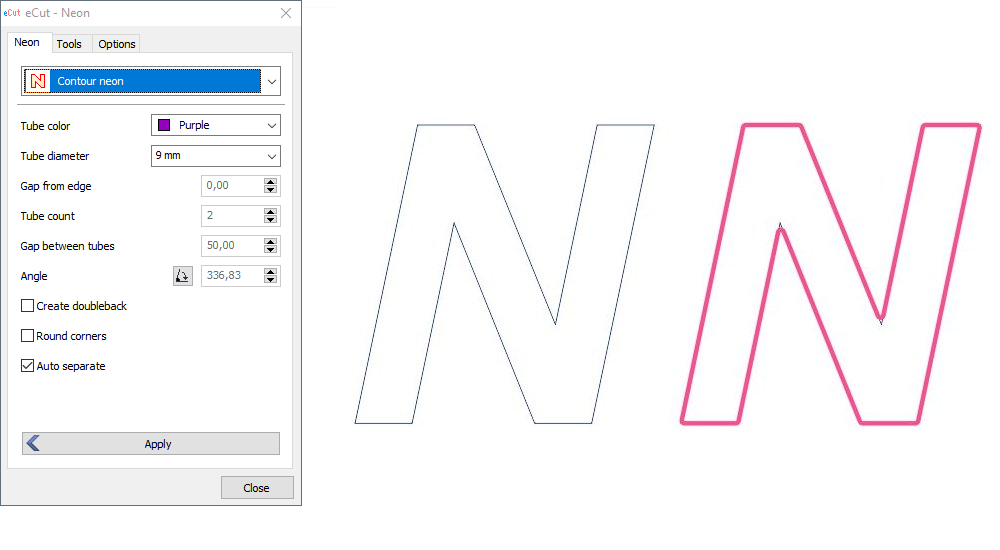
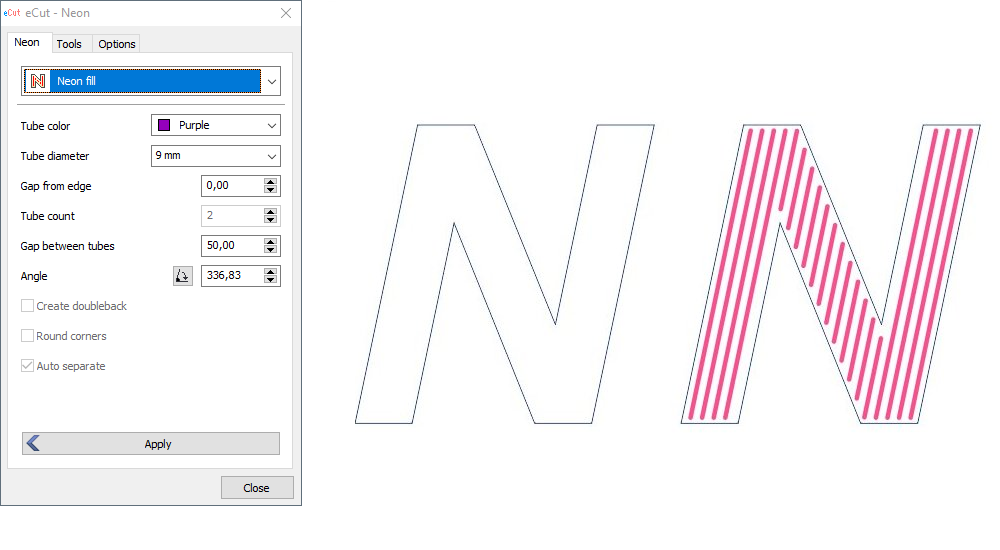
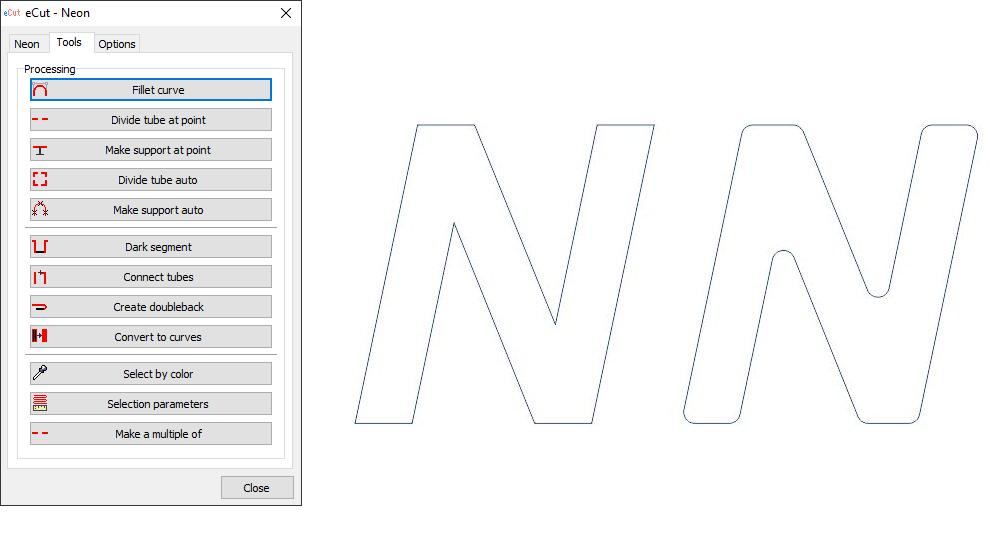
Neon Sign Tools
Function ID: 12
Professional neon sign design tools with advanced features
Frequently Asked Questions About eCut Functions
Clear answers regarding how eCut tools function inside CorelDRAW for vinyl plotters, CNC routers, and laser cutters.
What Are the Core Functions of eCut for CorelDRAW?
Direct Answer: Key eCut functions include true-shape nesting, DXF export with proper ARCS and POLYLINES, G-code path generation, contour weeding lines, LED array placement, perimeter/cost calculation in INR, and SignBox creation.
These tools execute directly inside CorelDRAW X3 through CorelDRAW 2026, eliminating external CAM software. Learn more on our Features Overview.
How Does True-Shape Nesting Work in CorelDRAW?
Direct Answer: True-shape nesting analyzes object boundaries, rotates vector shapes, and interlocks complex curves to achieve maximum sheet packing density, reducing raw material waste by 15% to 30%.
Sign shops using ₹50,000 in monthly raw material save ₹7,500 to ₹15,000 per month. See details on our Industry Applications Page.
Which eCut Functions Assist Vinyl Plotter Cutting?
Direct Answer: Plotter functions include automatic weeding line creation, cut route optimization to eliminate unnecessary head movement, perimeter length measurement, and job cost estimation in Indian Rupees.
Operators can calculate total blade path length before cutting. Download a trial on our Free Trial Page.
How Do CNC Functions Export DXF Files with ARCS?
Direct Answer: eCut DXF export converts bezier curves into smooth geometric ARCS and POLYLINES rather than fragmented line segments, ensuring jitter-free movements on CNC routers and laser cutters.
This prevents machine vibration and tool wear. Review licensing terms on our Licensing FAQ.
40+ Functions Available
This is just a preview. eCut includes over 40 professional functions covering nesting, cutting, measurement, CNC operations, effects, and utilities.